Text Message (SMS) Policy
Effective July 18, 2026
CrewBarn is a field-service management platform. This page describes the only text messages CrewBarn's own systems send to a person's mobile number: one-time verification codes used to confirm identity when signing in. It is not about the messages a CrewBarn customer sends to their own clients — those are governed by the sender's own consent and our Terms of Service.
1. What we send
A single, automated one-time passcode (OTP), sent only in direct response to a sign-in or device-verification the user just started. Each message contains only the numeric code and a short expiry notice. There is no marketing, promotional, or recurring content, and the codes are never used for anything but authentication.
2. Who receives them
Only people who already have a CrewBarn account — a business's own staff, and portal customers of that business — and who have entered their mobile number and personally initiated a sign-in. Numbers are never purchased, rented, or shared, and a code is only ever sent to the number already on that person's account.
3. How you opt in
Consent is given inside the person's own account, not by texting a keyword:
- A user (or their employer) enters their mobile number on their CrewBarn account.
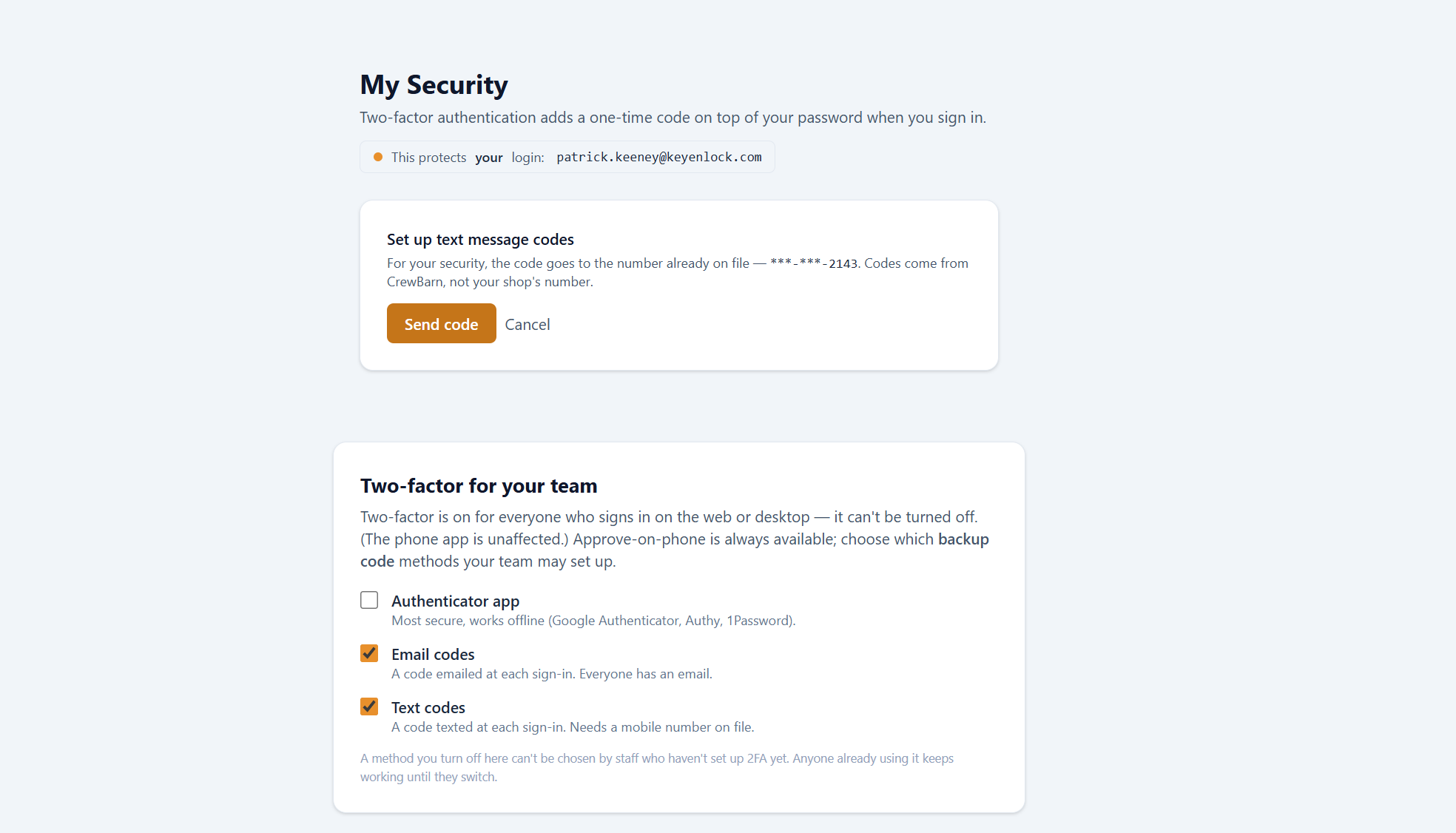
- The user turns on text-message codes in Settings → Security, or the account requires two-factor sign-in, and confirms a first code sent to the number on file.
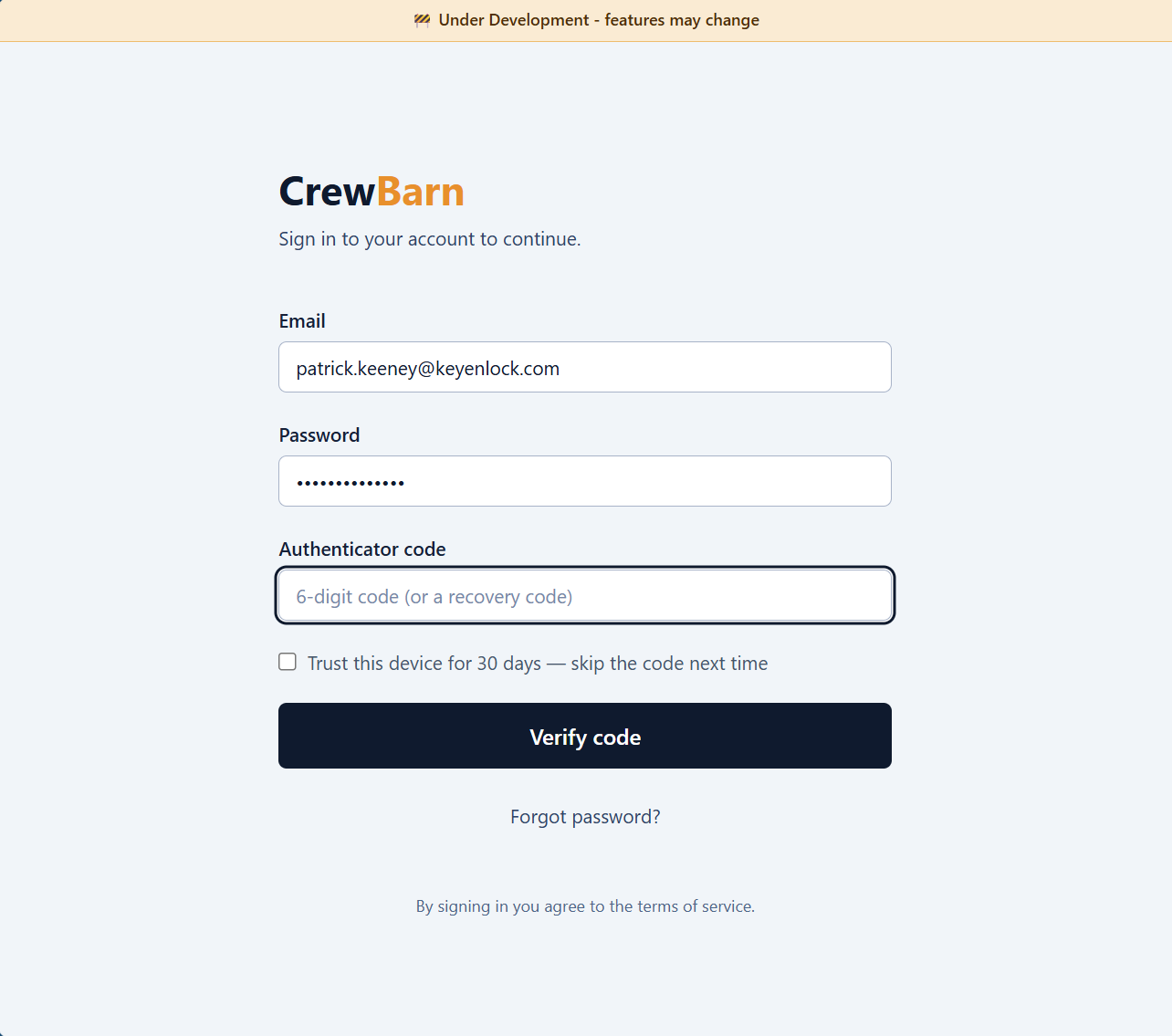
- After that, a code is sent only when the user enters their password to sign in or to verify a new device — always an action the user just took.
4. Message frequency
As needed, and only on demand — typically one message per sign-in or new-device verification. There is no scheduled or recurring sending. Most users receive a code once per new device and then rarely, because a verified device is remembered.
5. Sample message
Your CrewBarn verification code is 483920. It expires in 10 minutes.
6. No marketing
This messaging program is transactional only. CrewBarn does not send advertising, promotions, or newsletters by text, and a mobile number provided for verification is never added to any marketing list.
7. Opt out and help
Because these are one-time security codes you request by signing in, you can stop them simply by turning off text codes in Settings → Security (or choosing a different method, such as an authenticator app or email). You may also reply STOP to opt out of texts at any time, or HELP for help. For assistance, contact [email protected].
8. Rates
Message and data rates may apply, depending on your mobile carrier and plan.
Related
Terms of Service · Privacy Policy