
Use consistent zone names throughout irrigation service
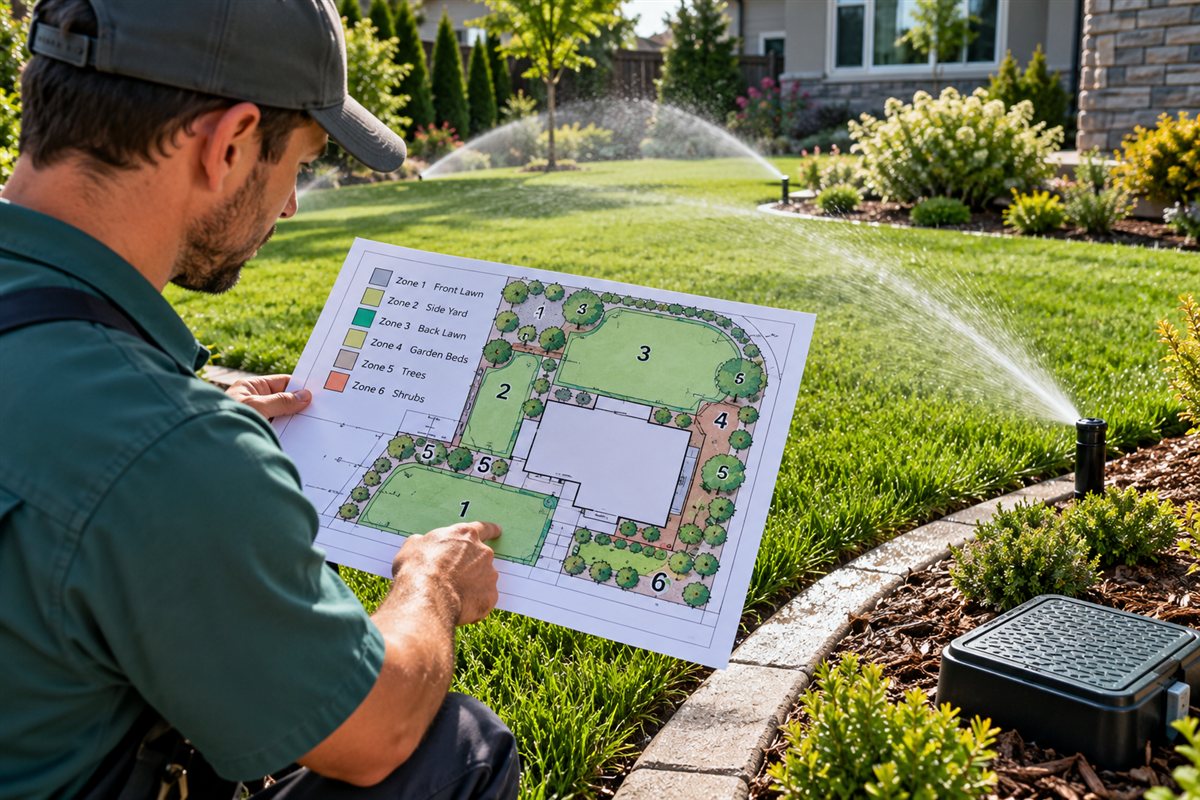
Irrigation service records become more useful when the office and field team can connect customer descriptions to recognizable property zones. That does not require intake staff to identify a technical cause. It requires preserving the original request and clarifying the location during the visit. A shared workflow can then carry zone context into customer-approved work, material preparation, recurring appointments and the final invoice without losing the story between visits.
Preserve the customer's location description
Record the area the customer names and attach any photos or portal messages. Keep their description intact even when the existing job history uses another label. The first handoff should explain the reported concern, appointment purpose and contact who can clarify the location.
Review the draft job with available equipment history and prior visit notes. Highlight any uncertainty for the technician to resolve. The office can arrange a useful appointment by identifying missing business details without presenting a location reference as a technical diagnosis.
Connect field notes to stable zone labels
During the visit, use consistent zone or area names in forms, photos and the completion note. Connect those names back to the customer's original description. Future coordinators should be able to understand why front driveway in one message matches another label in the field record.
Keep equipment context where it belongs in the job history and identify any remaining customer request separately. Record time and parts against the visit, including information captured offline. A concise location-based note is more useful than an unexplained list of items after the appointment.
Turn proposed follow-up into an explicit decision
If additional work is proposed, use the same location labels in the quote. Describe options and scope in customer-readable terms, then retain the signed selection. An observation recorded in the field should remain distinct from work the customer has actually approved.
Use stock and purchasing records to coordinate materials needed for approved work. Carry the zone references and relevant photos into the return appointment. Keep preparation status separate from a confirmed schedule promise so the office can explain what is ready and what still needs coordination.
Keep recurring visits and open work understandable
For a recurring agreement, state the visit scope clearly and review any unresolved requests before dispatch. The next technician should know whether an open item is part of the coming appointment or awaits a separate quote, customer reply or scheduled return visit.
Before invoicing, compare approved scope with the completed field record and any remaining actions. Explain the next step in a shared customer message. This leaves a usable history for the next visit and helps the office answer questions without recreating the property context.
A handoff checklist for your team
- Which customer description matches the field zone label?
- Are the current zone photos attached to this job?
- Which proposed work still needs a signed decision?
- What materials affect the return appointment?
- Is the open item included in the next agreement visit?
See the connected workflow.
Explore how CrewBarn brings office planning, field work and the customer’s side of the job together.
Explore CrewBarn → Meet the customer portalProduct context: CrewBarn capabilities and customer portal details. This article discusses business workflows, not technical repair or compliance instructions.